From Monolith to Modules- Optimizing Legacy SQL for Business-Friendly Transformation
Breaking down old, complex SQL into modular, reusable building blocks — the crucial step toward business-friendly mapping and future-proof data engineering.
Summary
Legacy SQL is monolithic and unreadable.
Step 2 in migration: modularize and optimize SQL into logical building blocks.
Apply migration rules (split) and optimization rules (clean/standardize).
Use AI + metadata to guide transformations.
Validate with a checklist to ensure trust.
This sets the stage for true business-friendly mapping.
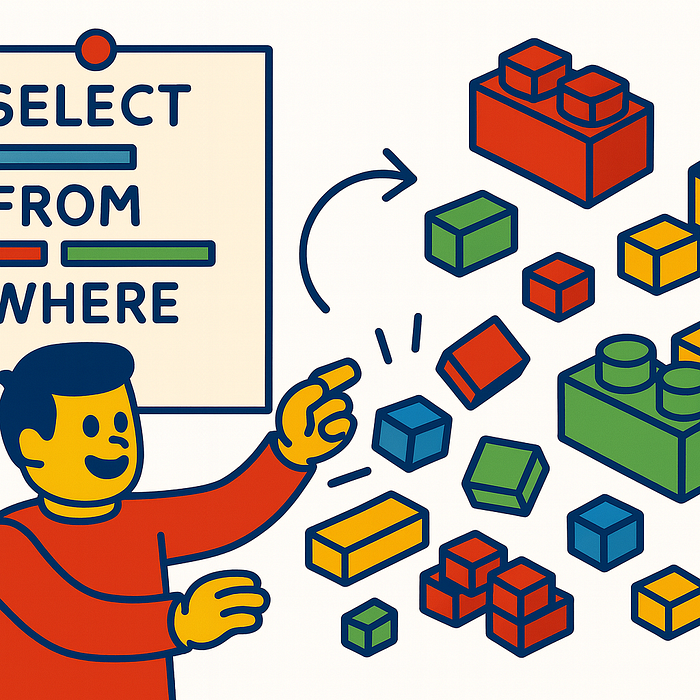
Why Modularization Matters
Legacy SQL queries often resemble giant monoliths: hundreds of lines of nested subqueries, embedded logic, and hard-coded assumptions. They work, but they are opaque, brittle, and impossible to validate at scale.
The first migration step (outlined in part one of this series) focused on parsing queries and extracting metadata. With this foundation, we can now transform those monoliths into modular, logical blocks — an approach very similar to how dbt treats models.
Principles of SQL Modularization
We use a two-layered rule set:
Migration Rules — these split legacy SQL into smaller, logical pieces, creating intermediate steps that represent business logic more clearly.
- Break CTEs into separate files.
- Isolate joins from transformations.
- Move filtering logic into standardized
WHEREor staging blocks.
Optimization Rules — applied after migration, they make the code more transparent, reusable, and verifiable.
- Remove redundant joins.
- Normalize naming conventions.
- Refactor derived columns into consistent definitions.
- Apply dependency graphs (upstream/downstream).
The result: SQL that is both technically valid and human-readable, forming the stepping stones for business-friendly mapping.
Assisted by AI and Metadata
We don’t do this alone. AI (e.g., ChatGPT) acts as a co-pilot by:
- Suggesting split points in large queries.
- Applying consistent naming conventions across modules.
- Generating documentation templates for each logical block.
But AI alone isn’t enough — we enrich it with metadata from:
- Source models (table definitions, column types, constraints).
- Target business models (business terms, entity definitions).
- Migration rulesets (codified best practices).
This combination makes the transformation controlled, reproducible, and aligned with business semantics.
Validation and the Checklist Approach
Every modularized SQL block must be validated before moving forward. For this, we generate a Validation Checklist, which includes:
- ✅ Input vs. output columns: Do they match the intended model?
- ✅ Table lineage: Are dependencies traceable across modules?
- ✅ Column-level metadata: Do definitions align with the business model?
- ✅ Performance checks: Does modularization reduce complexity without breaking logic?
This checklist ensures trust in every migration step — not just in the final business-friendly YAML.
Example Flow
- Legacy SQL: a 300-line monolith with nested subqueries.
- Parsing Stage: Extract metadata (tables, joins, transformations).
- Modularization: Split into 6 SQL modules, each handling a single task (staging, filtering, joining, deriving, aggregating, output).
- Validation: Check lineage, inputs/outputs, alignment with rules.
- Optimization: Refactor, clean naming, prepare for mapping.
Why This Matters for Business-Friendly Mapping
Business-friendly mapping thrives on clarity. It transforms technical SQL into YAML-based rules that business users can understand. But if we migrate directly from spaghetti SQL into YAML, the result is chaos.
By modularizing first, we create a clean, transparent intermediate layer. This ensures that when we move to YAML (the next step in this series), we are mapping business rules, not technical noise.
What’s Next
In the next article, we’ll explore how to take these optimized modules and transform them into business-friendly mapping definitions (YAML, DSLs, or dbt-like abstractions). This is where the business finally joins the conversation.