Problem
- We use SCD2 to historize data based on primary keys.
- Some source datasets contain duplicate PKs that cannot be fixed at source in the short term.
- We must:
- Keep all records for full reproducibility,
- Ensure downstream pipelines only process one valid record per PK.
- Databricks does not enforce PK constraints at the table level.
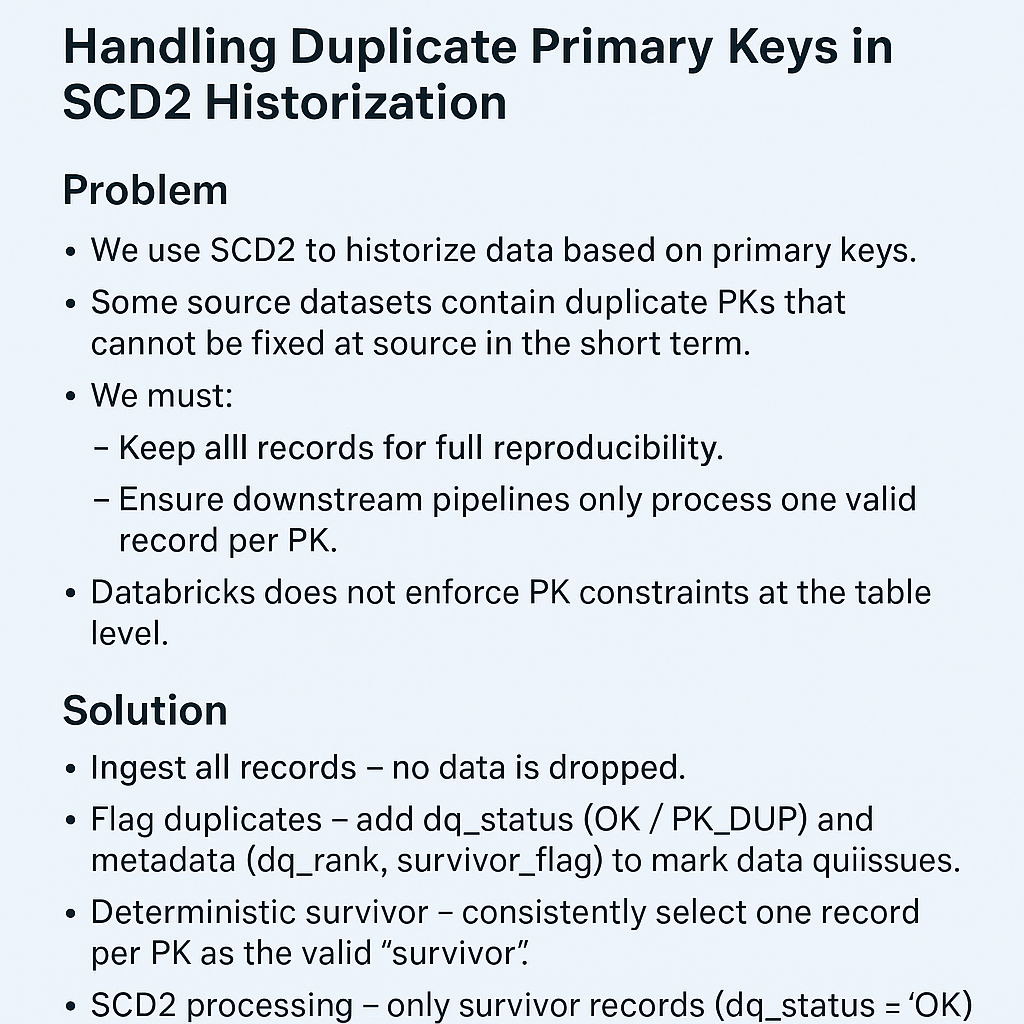
Solution
- Ingest all records – no data is dropped.
- Flag duplicates – add
dq_status(OK/PK_DUP) and metadata (dq_rank,survivor_flag) to mark data quality issues. - Deterministic survivor – consistently select one record per PK as the valid “survivor.”
- SCD2 processing – only survivor records (
dq_status = 'OK') drive historization; duplicates are stored but excluded from SCD2 transitions. - Consumption views – downstream queries access only survivors (
dq_status = 'OK' AND is_current = TRUE).
Details
1. Medallion Responsibilities
- Bronze (raw landing):
Store the source data as-is, including duplicates. Add ingestion metadata (batch_id,ingest_ts,file_path,row_hash). - Silver (SCD2-ready):
Within each batch, run a deterministic ranking per PK to select one survivor. Only survivors are eligible for SCD2 change detection.
Non-survivors are kept in the same table with adq_statusmarker (e.g.,PK_DUP) but do not participate in SCD2 transitions. - Gold (consumption views):
Provide curated views that return only current, valid (dq_status = 'OK') rows.
This setup allows us to:
- (a) Reproduce the source dataset exactly (Bronze),
- (b) Preserve all ingested records, including duplicates (Silver),
- (c) Shield downstream pipelines from duplicates (Gold).
2. Schema Enhancements
Extend the historization table schema with a few additional columns:
- SCD2 control:
effective_start_ts TIMESTAMPeffective_end_ts TIMESTAMPis_current BOOLEAN
- Lineage:
batch_id STRINGingest_ts TIMESTAMPfile_path STRINGrow_hash STRING
- DQ markers:
dq_status STRING(e.g.,OK,PK_DUP,OTHER)dq_reason STRING(e.g.,"Duplicate business PK within batch")dq_group_id STRING(e.g., business_pk + load_date)dq_rank INT(1= survivor,>1= duplicate)survivor_flag BOOLEAN(TRUE if selected for SCD2 merge)
3. Deterministic Survivor Selection
Use a consistent tie-breaker to select the survivor:
- Prefer
source_update_ts DESC - If missing, use
ingest_ts DESC - As a fallback, use
row_hash ASC
WITH ranked AS (SELECTb.*,ROW_NUMBER() OVER (PARTITION BY business_pkORDER BY COALESCE(source_update_ts, ingest_ts) DESC, row_hash ASC) AS rnFROM bronze_source bWHERE batch_id = '${batch_id}'), classified AS (SELECT*,CASE WHEN rn = 1 THEN 'OK' ELSE 'PK_DUP' END AS dq_status,CASE WHEN rn = 1 THEN TRUE ELSE FALSE END AS survivor_flag,rn AS dq_rank,CONCAT(business_pk, '_', CAST(date_trunc('day', ingest_ts) AS STRING)) AS dq_group_idFROM ranked)
SELECT * FROM classified;
- Rows with
survivor_flag = TRUEfeed into the SCD2 MERGE. - Rows with
survivor_flag = FALSEare stored withdq_status = 'PK_DUP'.
4. SCD2 Change Detection
Only survivor rows (dq_status = 'OK') are used in SCD2 merges.
-- Current dimension snapshotCREATE OR REPLACE TEMP VIEW dim_current ASSELECT * FROM dim_XWHERE is_current = TRUE AND dq_status = 'OK';
-- Incoming survivors for this batch
CREATE OR REPLACE TEMP VIEW inc_survivors AS
SELECT
business_pk,
...attributes...,
current_timestamp() AS effective_start_ts,
TIMESTAMP '9999-12-31 23:59:59' AS effective_end_ts,
TRUE AS is_current,
'OK' AS dq_status,
NULL AS dq_reason,
TRUE AS survivor_flag,
batch_id, ingest_ts, file_path, row_hash
FROM classified
WHERE survivor_flag = TRUE;

-- Close out changed rows
MERGE INTO dim_X d
USING (
SELECT i.*
FROM inc_survivors i
JOIN dim_current c ON i.business_pk = c.business_pk
WHERE hash(i.* EXCEPT(effective_* , is_current, dq_* , batch_id, ingest_ts, file_path, row_hash))
<> hash(c.* EXCEPT(effective_* , is_current, dq_* , batch_id, ingest_ts, file_path, row_hash))
) ch
ON d.business_pk = ch.business_pk AND d.is_current = TRUE
WHEN MATCHED THEN UPDATE SET
d.is_current = FALSE,
d.effective_end_ts = ch.effective_start_ts;

-- Insert new rows
MERGE INTO dim_X d
USING inc_survivors i
ON d.business_pk = i.business_pk AND d.is_current = TRUE
WHEN NOT MATCHED THEN INSERT *;
Duplicates with dq_status = 'PK_DUP' remain stored, but they never affect historization.
5. Gold Views
Provide views for consumption that hide duplicates:
CREATE OR REPLACE VIEW vw_dim_X_current ASSELECT *FROM dim_XWHERE dq_status = 'OK' AND is_current = TRUE;
CREATE OR REPLACE VIEW vw_dim_X_full ASSELECT *FROM dim_X;
vw_dim_X_current: safe for downstream queries (survivors only).vw_dim_X_full: full lineage, including duplicates.
6. Operational Practices
- Add lightweight constraints:
CHECK (dq_status IN ('OK','PK_DUP',...))NOT NULLwhere sensible
- Track Change Data Feed (CDF) to see batch-to-batch differences.
- If using Delta Live Tables, add expectations to count PK duplicates.
- Capture per-batch metrics:
total_rows,survivors,duplicates.
7. Implementation Checklist
- Land raw data in Bronze with ingestion metadata.
- Rank within batch per PK → assign
dq_statusandsurvivor_flag. - Feed only survivors into the SCD2 merge.
- Store duplicates in the same table with
dq_status = 'PK_DUP'. - Publish curated views (
dq_status = 'OK'only). - Monitor metrics and CDF for governance.